
How to register the progress of a project task?
- Open the tab Tasks in the project
- Open the task
- In the tab General, the estimated cost, contractor, and percentage (%) completed can be edited
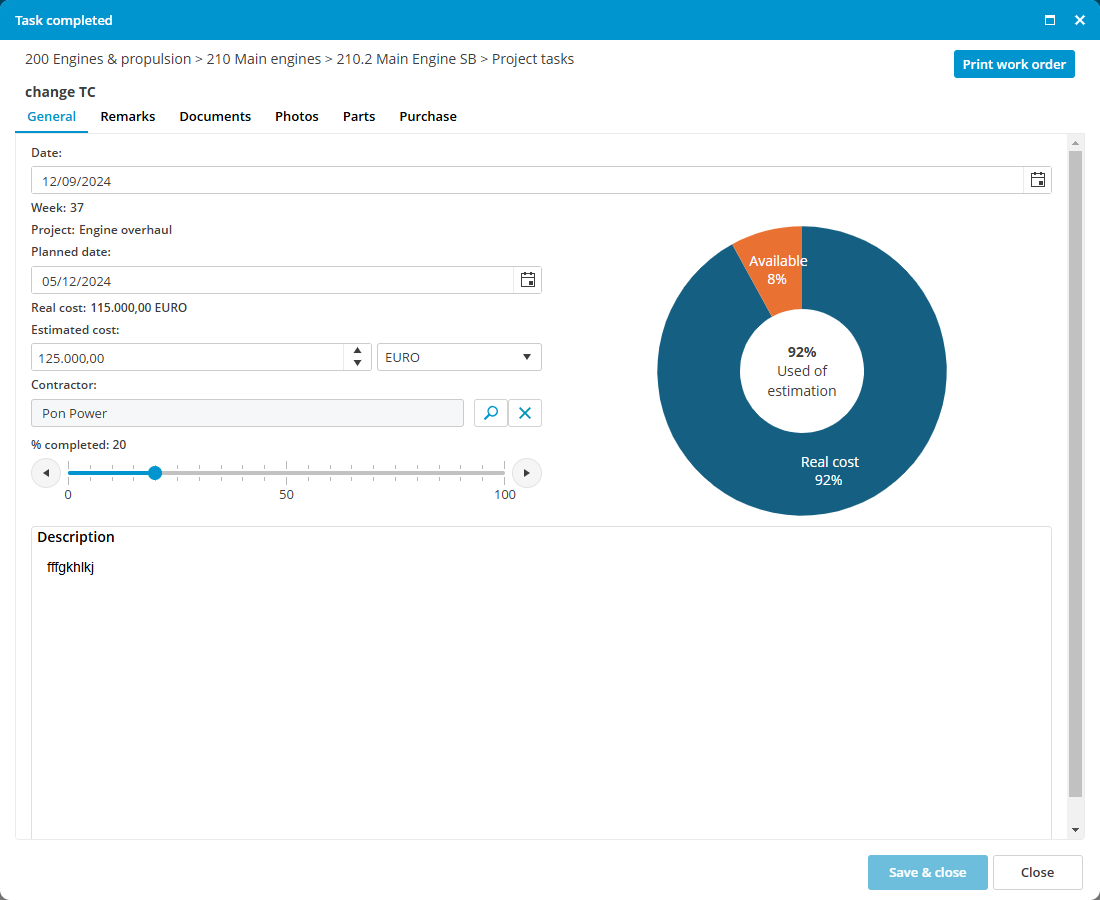
- Extra remarks, documents, and photos about the progress can be added in the related tabs.
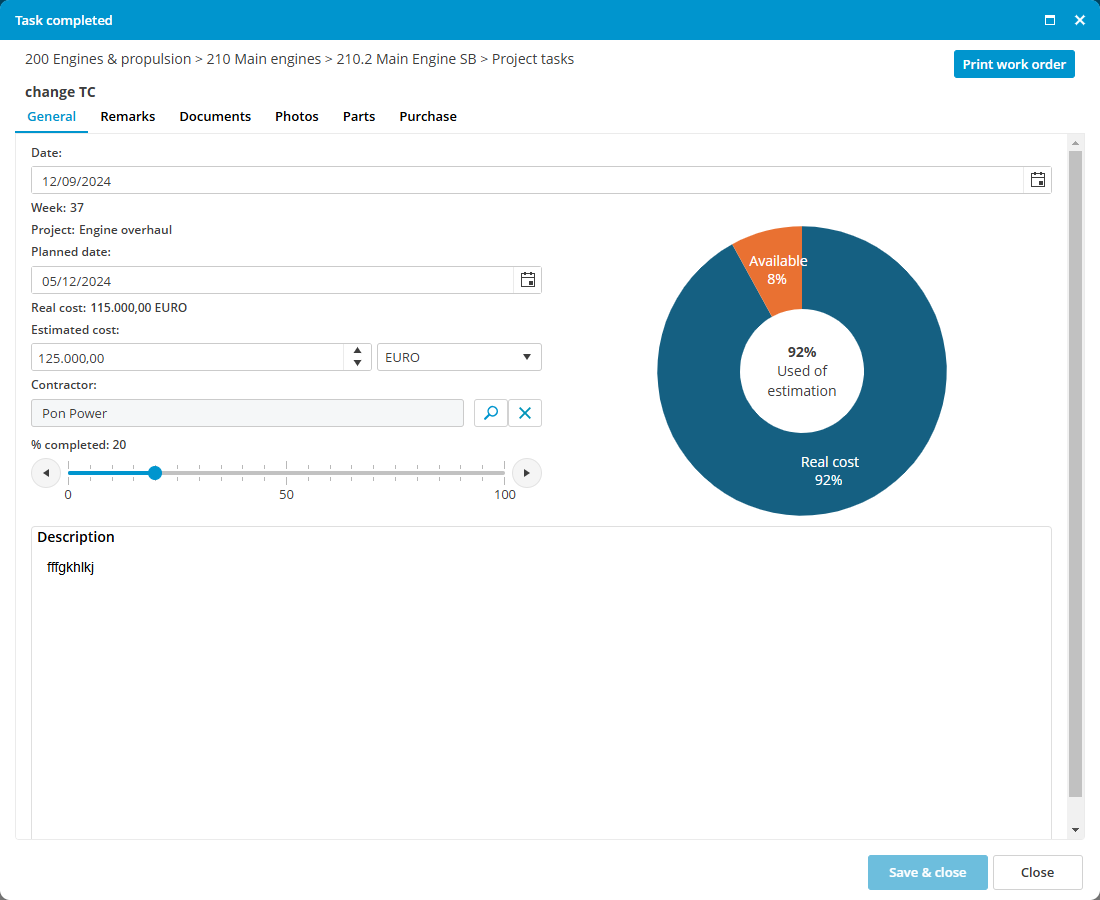
If the task is completed, move the slider in the tab General to 100%.
No comments to display
No comments to display