
How can I restrict certain file types (like .exe or .cmd) from being uploaded?
You can restrict specific file types from being uploaded to MXSuite by configuring Internet Information Services (IIS). This helps improve security by preventing potentially harmful files from being accepted or processed.
The most effective way to do this at the server level is by using IIS Request Filtering. This feature allows you to block requests that include specific file extensions before they even reach your application.
How?
- Open IIS Manager
- Select your MXSuite website
- Go to the “Request Filtering” feature.
- Under the “File Name Extensions” tab, you can add extensions such as
.exeand.cmdto the deny list.
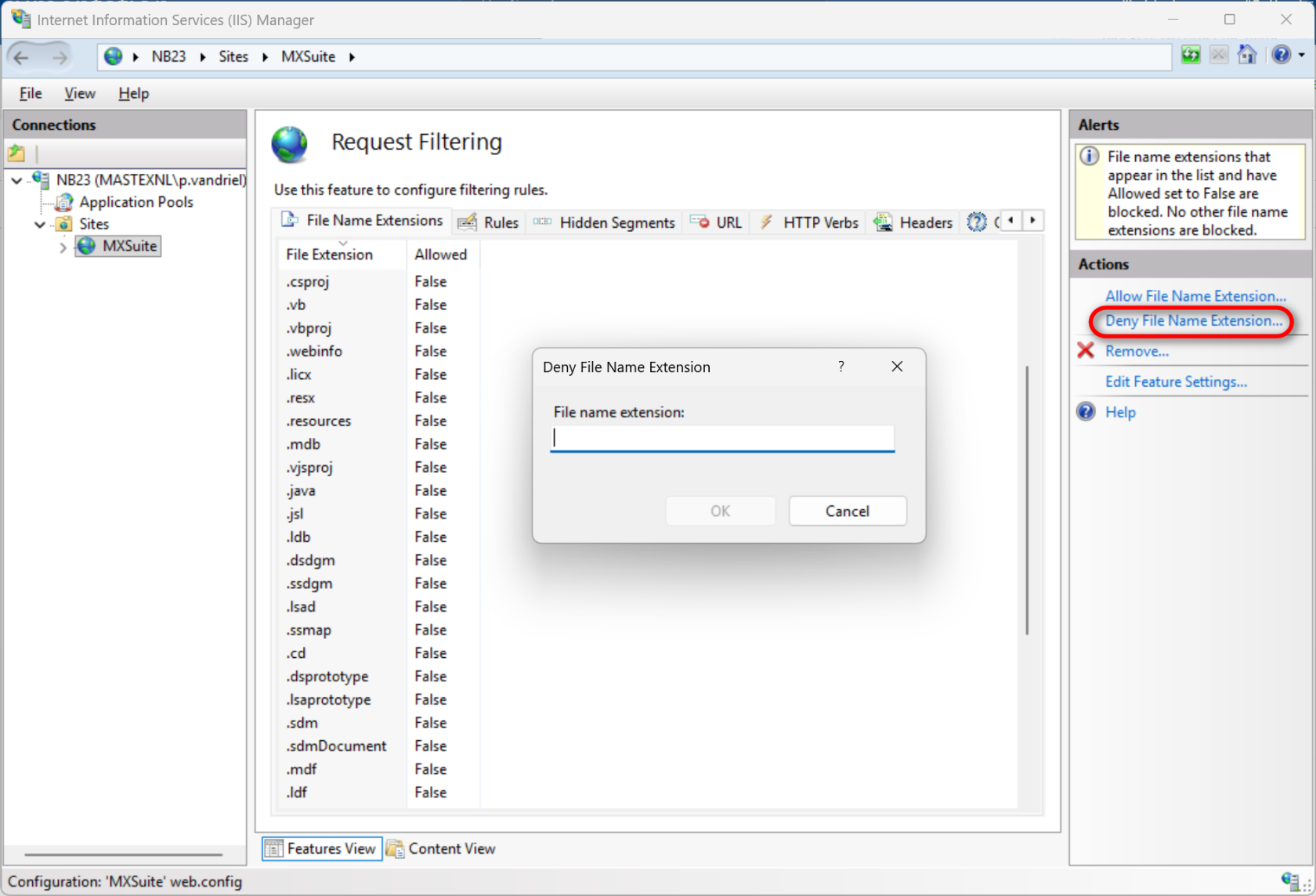
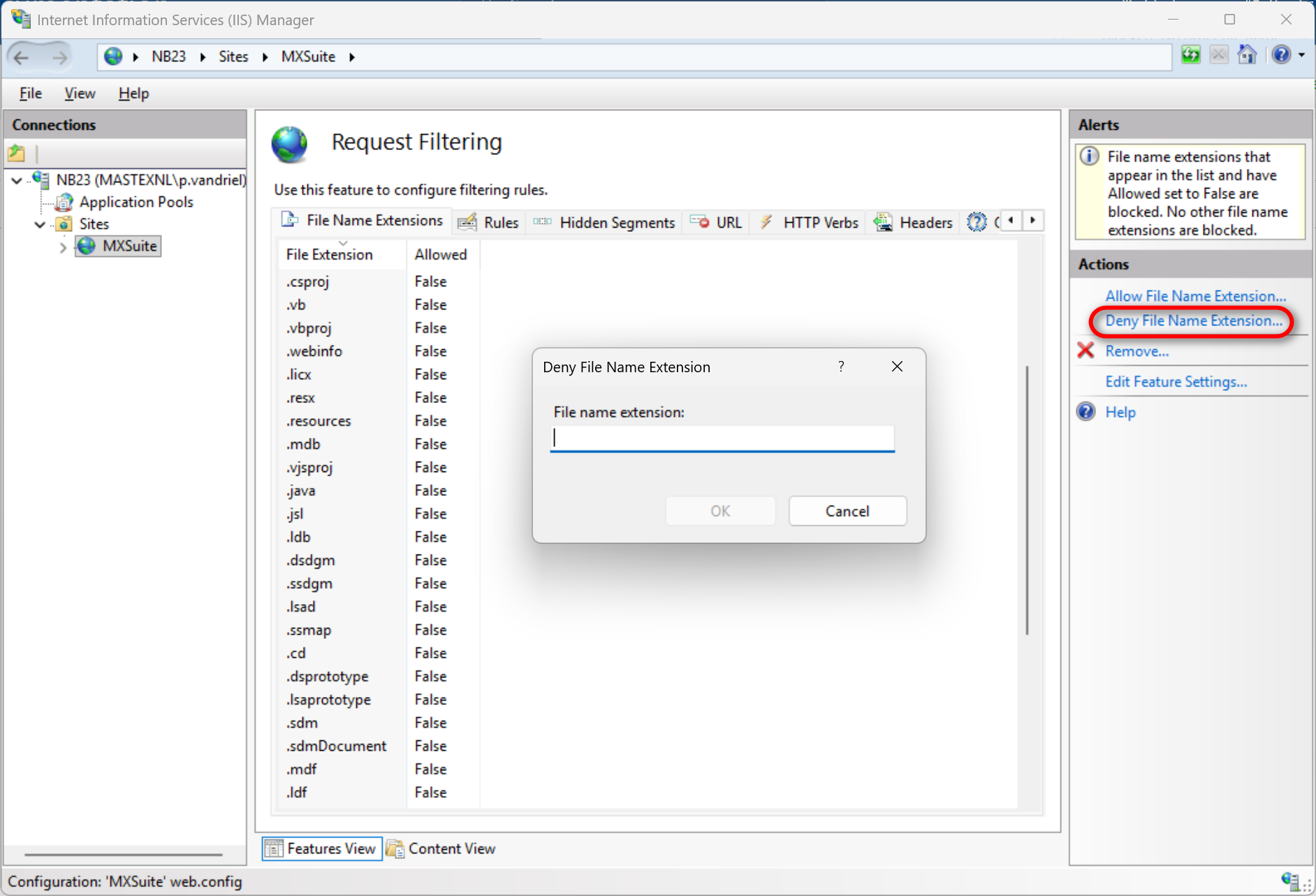
Once added, IIS will block any requests containing these file types and the file will not be uploaded to MXSuite.
No comments to display
No comments to display