SafetyCategories
General
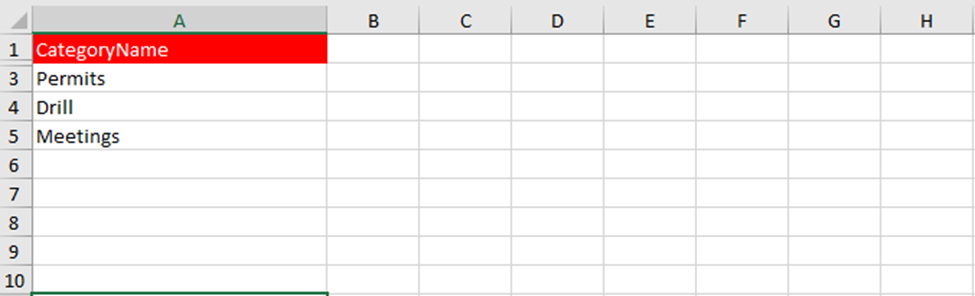
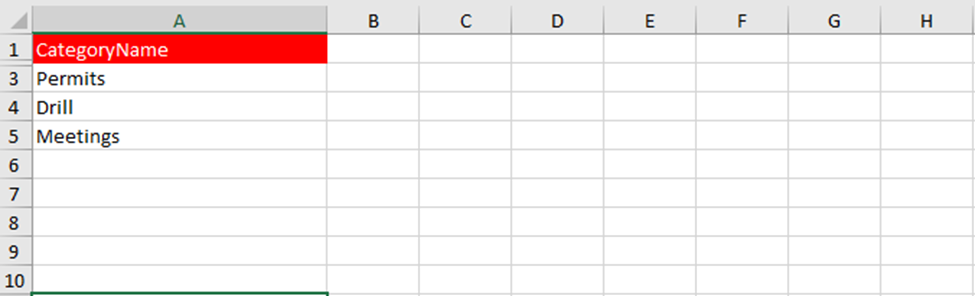
This part is used to linkload a list of all categories of the partsSafety that are used during the task sign-off.module. The sheet in the Excel file is called “AssetsTasksParts”SafetyCategoryList”.
Details fields
To fill the Excel file correctly, ensure that all fields are completed accurately. Below are the fields listed.
| Field |
MAX Characters |
Required |
Comment |
ParentCategories |
X
Show the category path of the category that this entity needs to be connected to. If this is linked to a subcategory, enter the ID + name of the main category, followed by a space, >, and a space, followed by the ID + name of the subcategory
AssetsTasksGroupNameCategoryName
128
X
Name of
theeach groupsafety category you want to
whichinput theinto maintenance task is connected.
TaskName
128
X
The name of the maintenance task
Owncode
50
X
The unique number of the part that will be linked to the task
Quantity
X
The quantity of the part that will be used during the task sign-off
CostCode
50
Lookup to the Cost Codes as defined in the tab Administration. This should exactly match the name of the cost code.MXSuite.
Example