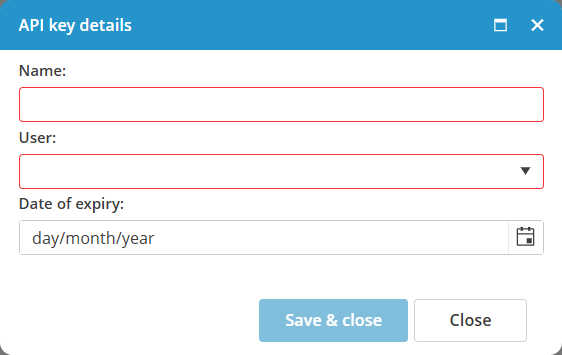
Manage API keys
The HTTP(S) API has been available since MXSuite version 3.3.0.
To create an API key, there are 2 steps needed:
- Create the API-user
- Create the API-key
Create an API user
- Open the Administration module
- Click on Users

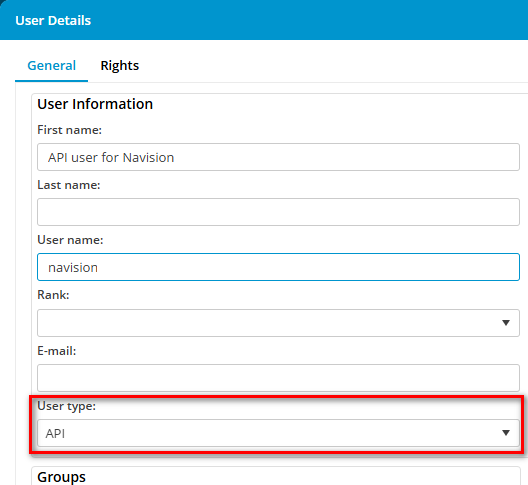
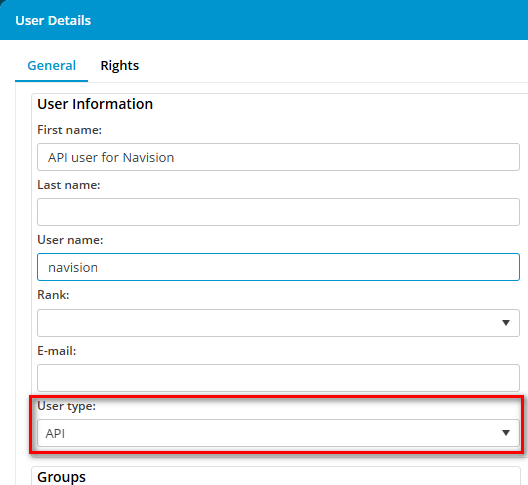
- Create a new user for the API with the correct user rights. Assure that you select user type API.

Create the API key

Click on New...