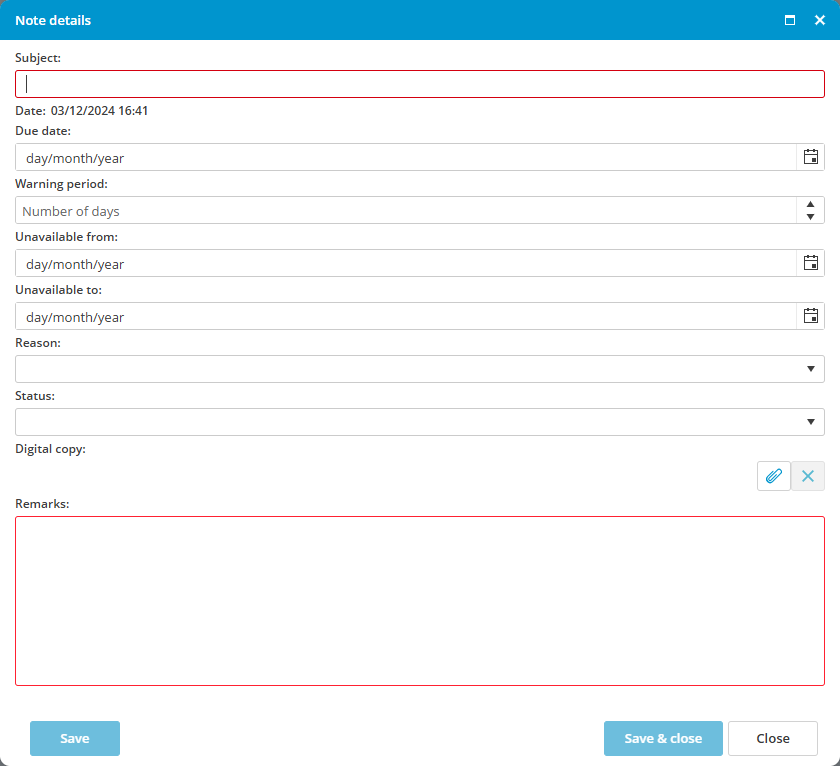
How do I register that a crew member cannot be planned on board?
- Select the employee
- Click on the tab Activities
- Click on New and select New note
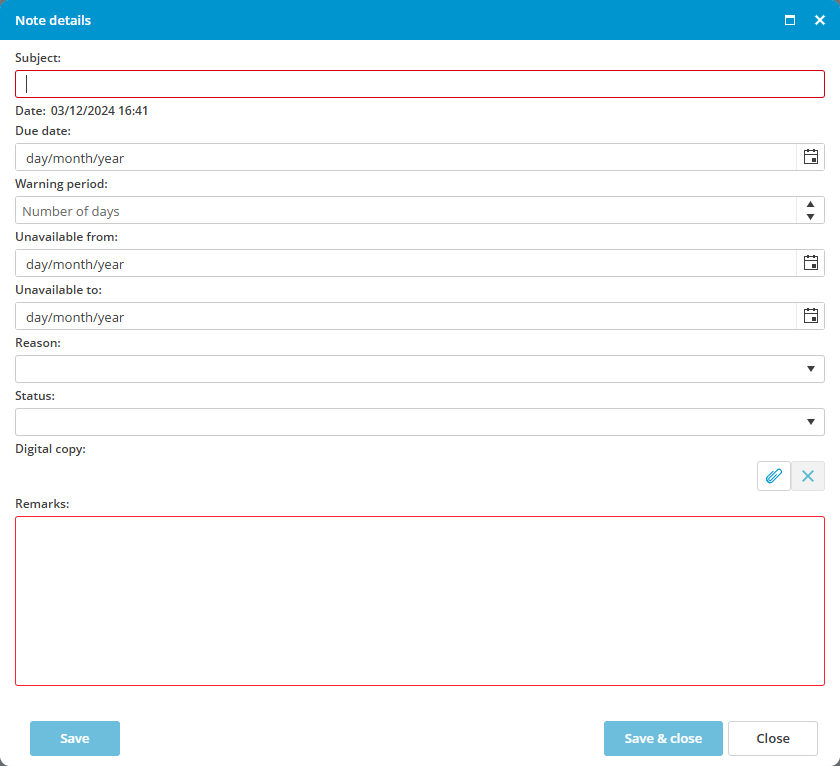
- Complete all required fields
- Enter the date from when the employee is unavailable for planning
- Enter the date until the employee is unavailable for planning
- Select a reason
- Click on Save & close