The **Start period** is the timeframe in which the drill must be completed. During this period the drill will be orange.
3. Select the **locations** to which the safety drills must be added (only visible in the office version). 4. Click on **Save & close.**If the new drill already exists at the other location, the following warning will appear: [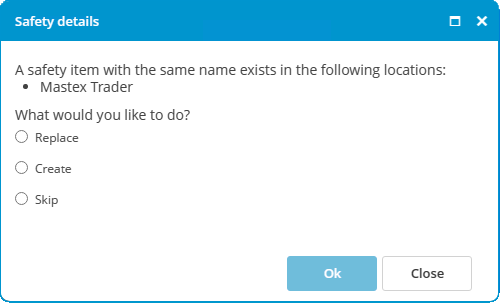](https://docs.mxsuite.nl/uploads/images/gallery/2024-11/drillalreadyexists.png) Make a selection and click **Ok**.