There is no need to create a backup of the database as the update does not affect the data in the database and cannot cause any loss.
1. Check if there is a new version available for the update. - Go to **Summary -> About -> Check for Updates** - A pop-up window appears with the information (either that you are already on the latest version or about the latest version available): [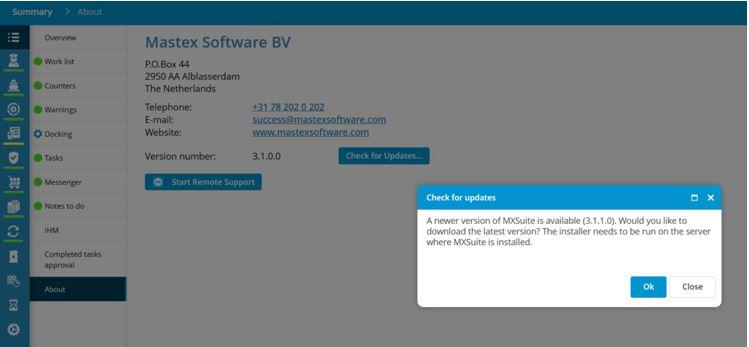](https://docs.mxsuite.nl/uploads/images/gallery/2024-11/1.JPG) 2. Download the latest version - Press **OK** to proceed with the download of the latest version (screenshot above). 3. Wait until the download is finished. 4. Open the downloaded file, and right click on the installation file -> **Run as administrator**The installation file should be run as administrator to be able to update all files.
5. Follow the steps from the installation wizard (click on Next button) [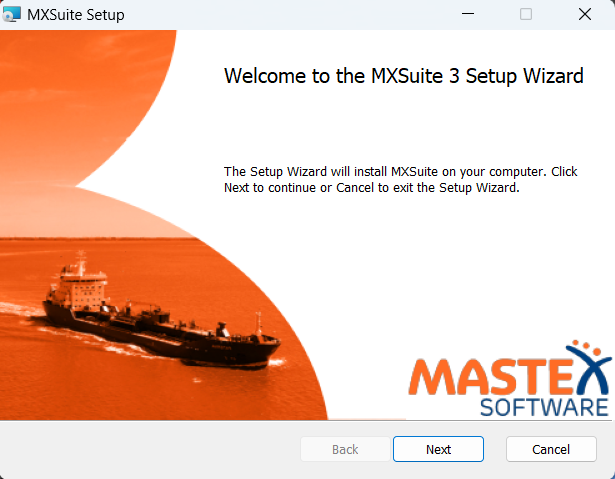](https://docs.mxsuite.nl/uploads/images/gallery/2024-11/install-1.png) 6. The update is ready and installed successfully the message shows: Completed the MXSuite Setup Wizard [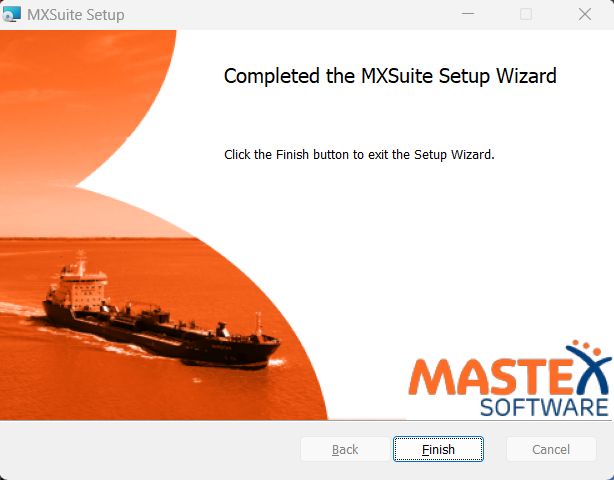](https://docs.mxsuite.nl/uploads/images/gallery/2024-11/install-2.png)