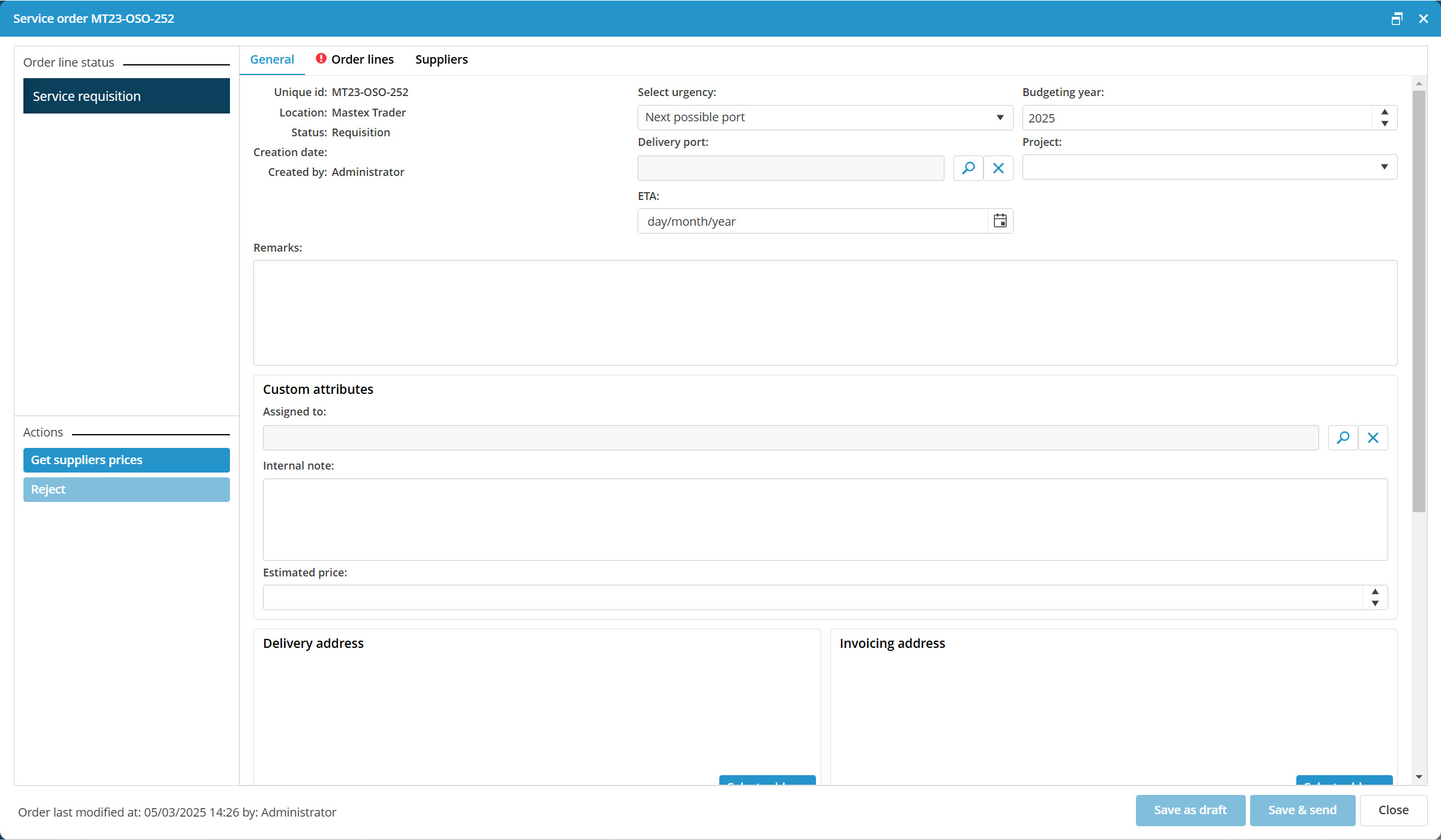
How do I create a service order?
- Click on New service order...
- Fill the details in the General tab.

- Clearly indicate the necessary service in the order lines in the tab Order lines.
- Click on Save & send to save the order and to forward it for further processing. Click on Save as draft to edit the order or to send it at a later date.