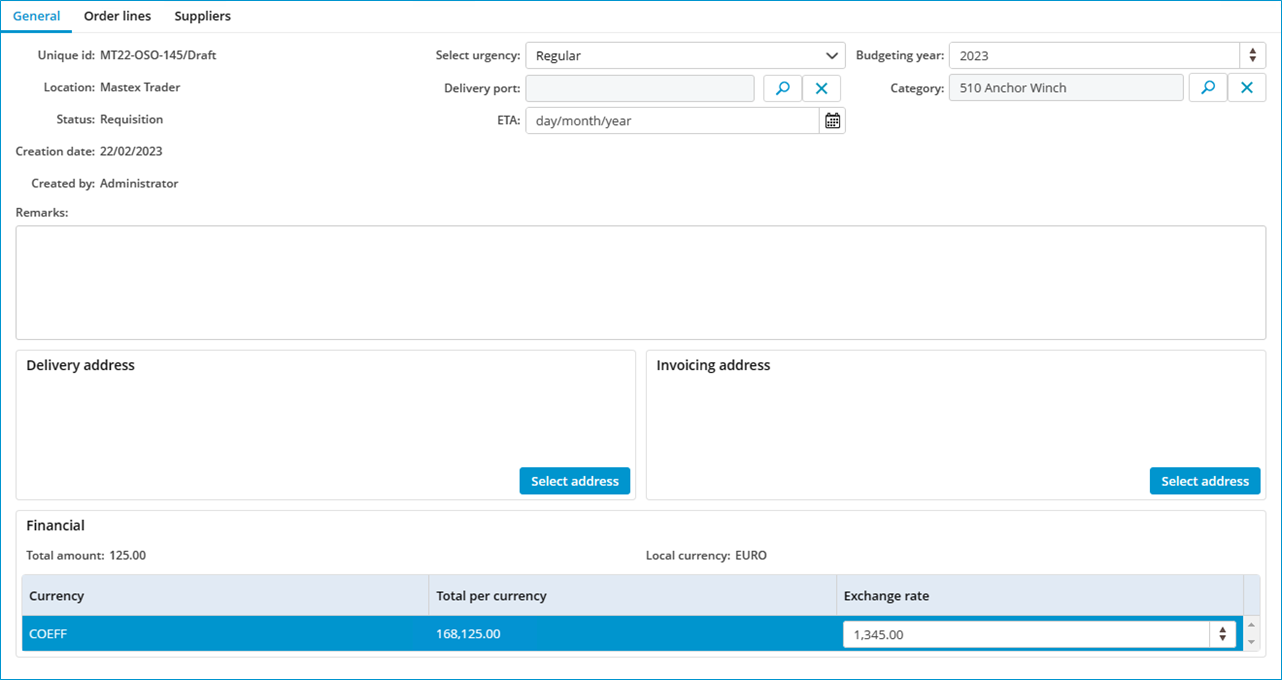
How do I change the exchange rate in an order?
- Open a purchase order.
- Select the desired order line and click on the 3 dots (...)
- Click on Select currency...
- Select the desired currency.
- Open the tab General.
- You can now change the exchange rate for this order. The exchange rate as configured in MXSuite module Administration is used by default.
- Click on Save as draft.