# How do I mark a survey as completed?
1. In the timeline of the certificate you want to extend, double-click on the symbol (this is only possible if the colour is orange or red ) or right-click on the symbol and select **Endorsement...**
2. Complete all required fields.
[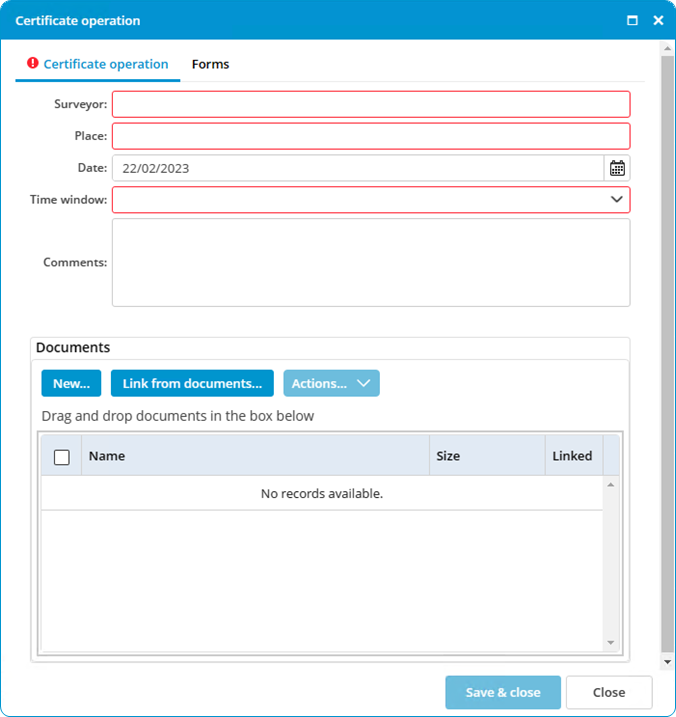](https://docs.mxsuite.nl/uploads/images/gallery/2024-11/certificateoperation.png)
3. Select the annual or intermediate survey that has been completed.
4. Click on **Save & close.**
After extending the certificate, a green ball with a curl will appear.
When carrying out a survey, select the option **Extra survey** to save an interim survey in the certificate history.