How do I create a new certificate?
- Click on New.
- Select the Certificate type.

- Annual: A survey will be planned annually for this certificate.
- Intermediate: A survey will be planned for some time between the date of issue and the date of expiry.
- None: Use this type when no intermediate surveys are required.
- Complete all required fields.
- Click on Save & close.
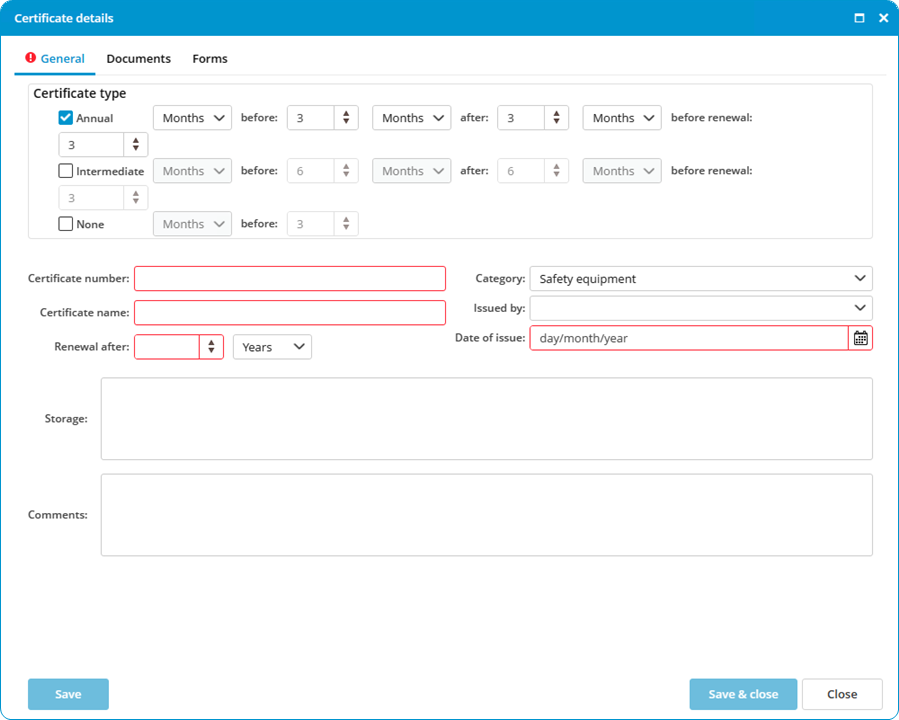
If a certificate is entered with an issue date but without an expiry date, enter a 0 in Renewal after. This will remove the expiry date from the screen.