How do I copy all certificates in a category?
- Right-click a certificate category and click Copy...
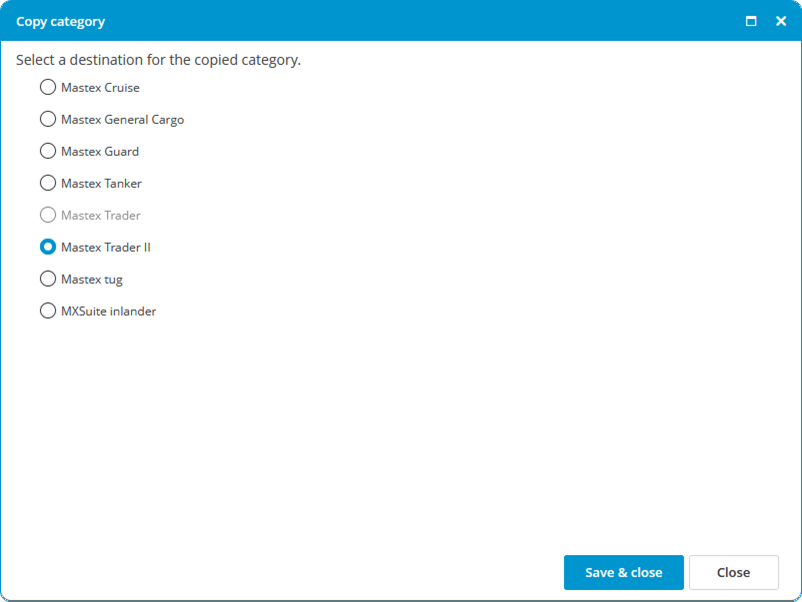
- Select the location where you want to copy the certificate category to.

- Click Save & Close.
The history of the certificates will also be copied.
A location is not displayed during the copying process if:
- the destination has no module Certificates.
- the source has a docking certificate and the destination does not.