How do I undo a completed task?
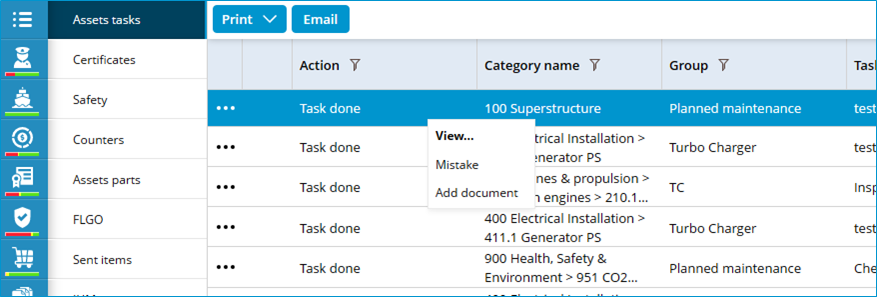
- Go to the module History.
- Select Assets tasks.
- Right-click on the task and select Mistake.

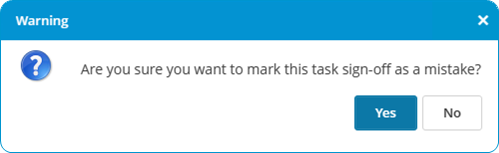
- Confirm the mistake.

- Click on Yes.
For every task only the most recently completed task can be marked as a mistake.
For every task only the most recently completed task can be marked as a mistake.