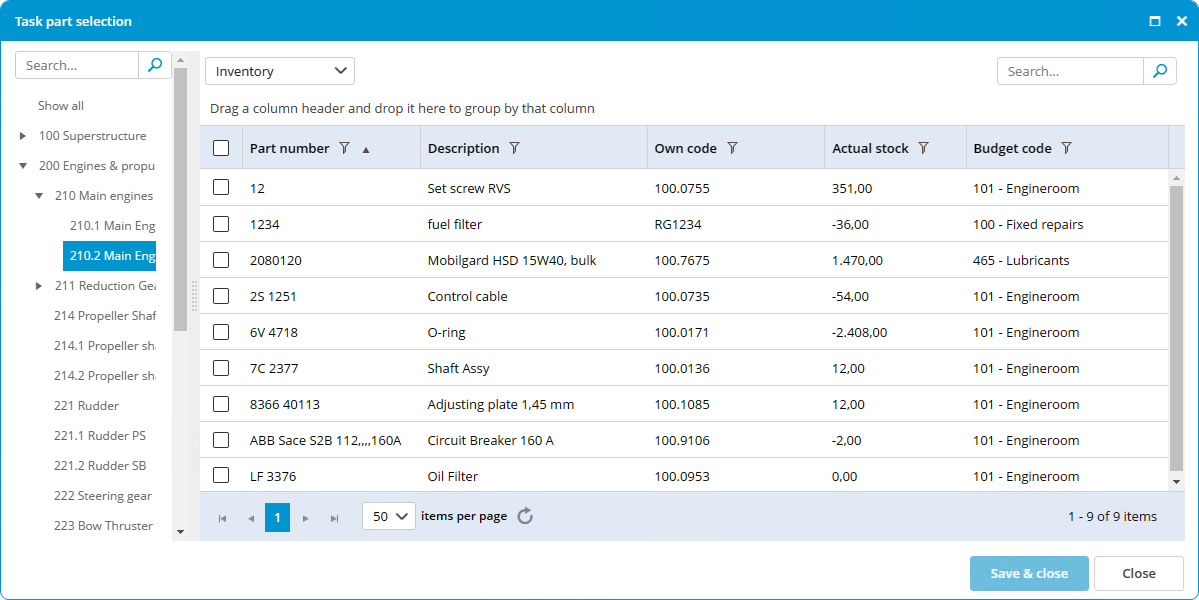
How do I link spare part(s) to a task?
- Right-click on a maintenance task and select Edit task...
- Go to the tab Parts.
- Click on Select Part(s)...

-
Select the part(s) (you can select multiple parts using Ctrl or Shift).
- Click on Ok.
-
Enter the quantity of parts needed. When completing the task, the stock of the selected parts will be updated.