How do I move stock to another location?
- Right-click on a part and select Edit...
- Go to the tab Stock from other locations.
- Click right of the location name on Move stock to other location.
- Complete all required fields.

- Click on Save & close.
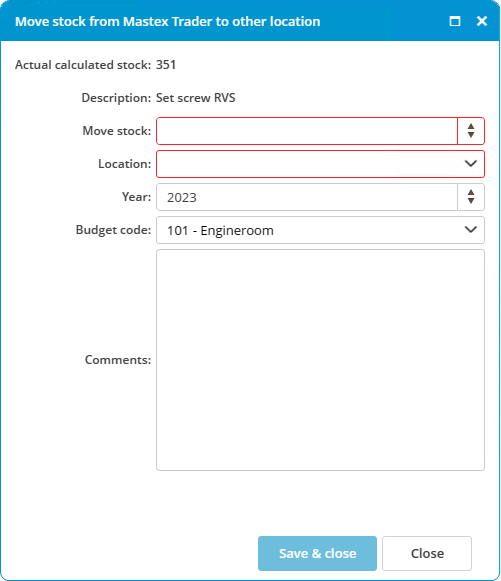
A change will be made based on the selected ledger account. This keeps the budget up to date. This change can be consulted in the history.