How do I adjust the stock?
The stock is automatically adjusted when:
- a maintenance task is executed to which parts are linked.
- a purchase order is marked as delivered.
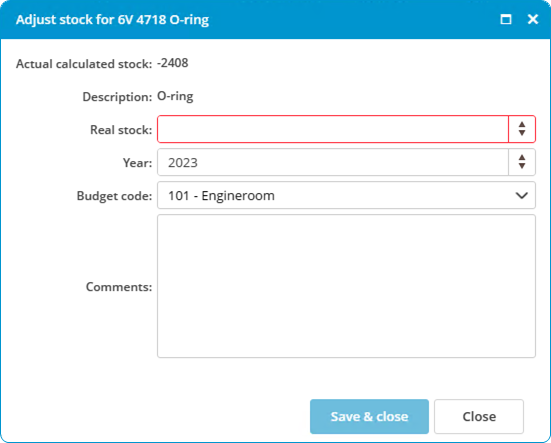
Follow the steps below to adjust the stock manually:
- Right-click on a part and select Adjust stock...
- Enter the Real stock.

- Click on Save & close.