How do I add photos to a category?
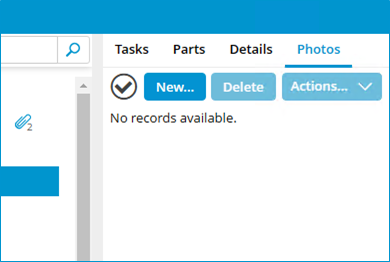
- Open the tab Photos on a category
- Click on New...

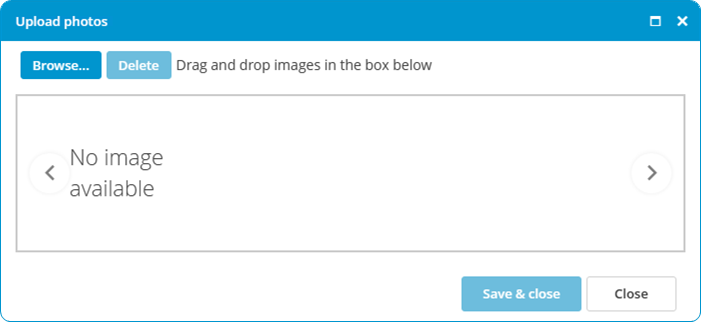
- Click on Browse...

- Select the images.
- Click on Save & close.
Permitted image formats are: .BMP .DIB .RLE .JPG .JPEG .JPE .JFIF .GIF .TIF .TIFF .PNG
Permitted image formats are: .BMP .DIB .RLE .JPG .JPEG .JPE .JFIF .GIF .TIF .TIFF .PNG