How do I add a detail to a category?
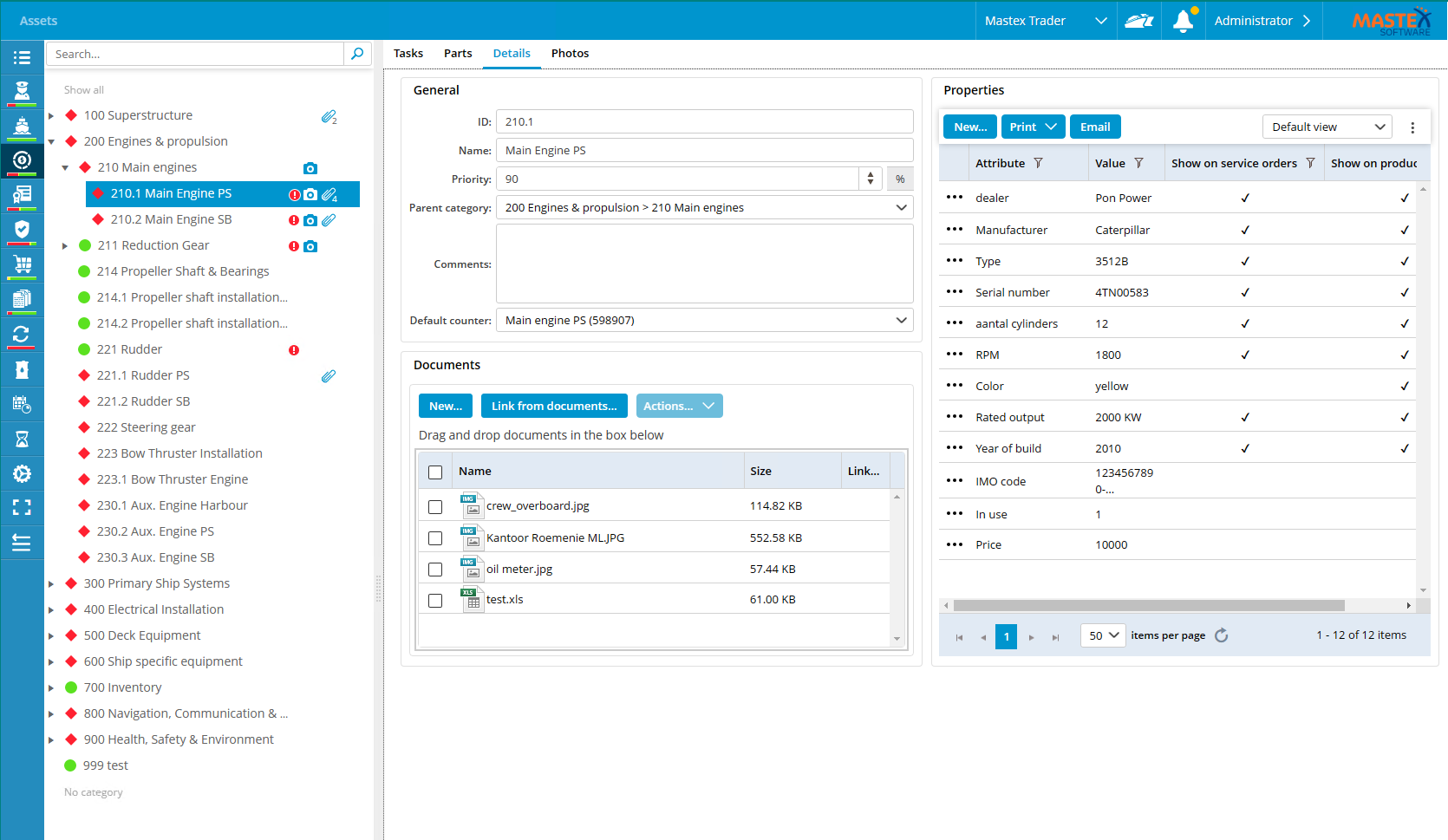
- Select the desired category in the tree structure.
- Select Details.

- Within the properties area, click New...
- Complete all required fields.

- Click on Save & close.
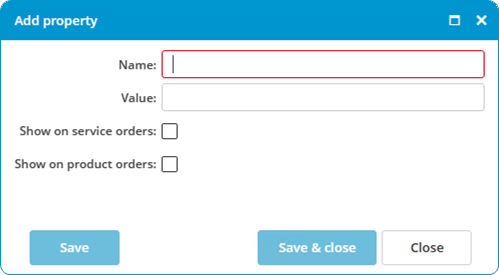
Show on service orders: Select this option to send the detail along with a service order.
Show on product orders: Select this option to send the detail along with a product order.